 Planning a garden party or other outdoor soiree? Download one of these four free fonts for invitations, place cards, or entree labels.
Showing posts with label Fonts. Show all posts
Showing posts with label Fonts. Show all posts
Friday, May 13, 2011


Wednesday, February 16, 2011
Identifying a Font
It's easy to fall in love with a font on an old book, in a magazine, or printed on someone else's wedding invitations. What's a girl to do when she has no idea what font it is? Just take a look at these top font identification sites, that's what!
Identifont works by searching for a font by name or identifying a font by asking you questions about how the letters look. Does the letter "O" have curved or straight sides? Does the letter "G" have a tail or not? You can even include only the letters you have, so it won't ask questions about the whole alphabet. At the end of the questioning, Identifont will provide you with an exhaustive list of possible fonts.
WhatTheFont! seeks to identify your font from a picture. The site suggests including letters that have specific characteristics like loops and tails in the letters "A", "K", and "R." You can also get a WhatTheFont! app (as well as dozens of other font related tools and games) on your smartphone for font identification on the go. Just search "fonts" in the iTunes app store.
Identifont works by searching for a font by name or identifying a font by asking you questions about how the letters look. Does the letter "O" have curved or straight sides? Does the letter "G" have a tail or not? You can even include only the letters you have, so it won't ask questions about the whole alphabet. At the end of the questioning, Identifont will provide you with an exhaustive list of possible fonts.
WhatTheFont! seeks to identify your font from a picture. The site suggests including letters that have specific characteristics like loops and tails in the letters "A", "K", and "R." You can also get a WhatTheFont! app (as well as dozens of other font related tools and games) on your smartphone for font identification on the go. Just search "fonts" in the iTunes app store.
Thursday, October 21, 2010
Halloweeny Fonts
Looking for some fonts to dress up your Halloween holiday? Try these free from dafont.com
This weekend I'll post an idea for using fonts to decorate candleholders!
- Skellingtonbats and Jack Skellingtonbats from The Nightmare Before Christmas
- Tango Macabre
- Dia de los Muertos
- Dancing Dead
- Charnel House
- Old Skull Hellron
This weekend I'll post an idea for using fonts to decorate candleholders!
Friday, July 30, 2010
How To Install A New Font
Using special fonts is an easy way to jazz up your fliers, notes, and art. There are many sites that offer free fonts to download and use for personal use. Follow these steps to download and use.
If your computer says something like, "Window is using this font and cannot install it right now" it probably means you aren't authorized to install a new font. This is the case if you work in an office or are using a public computer.
- Click Download.
- Select Save File. This option is probably already selected.
- Choose a place to save the file. I usually just put it on my desktop.
- Click Save.
- The saved file should be on your desktop looking like a little folder with a zipper.
- Right click on the folder and select Extract All.
- Click Extract.
- Now a window should open up with your font and possibly another file titled Read Me. The Read Me file is probably a message from the creator of the font telling you how it's okay for you to use it. Ex. most fonts shouldn't be used for commercial uses if they were downloaded for free.
- Click the file that looks like a piece of paper with a folded over edge and two big letter Ts. Drag over to your desktop.
- Click the Start button and then click Control Panel.
- Now click Fonts.
- Right click inside the window with all of your fonts and select Install New Font.
- This can be the trickiest step. You need to find the location of your saved file. If you saved yours to your desktop, make sure c: OS is the selected Drive. Click on c:\, then click on USERS, then CARLY (or your name if it is not Carly), then DESKTOP.
- Your font file should now show up under the List of Fonts: area. Click the file name.
- Now click Install. You're done!
If your computer says something like, "Window is using this font and cannot install it right now" it probably means you aren't authorized to install a new font. This is the case if you work in an office or are using a public computer.
DJ Kitchen Font
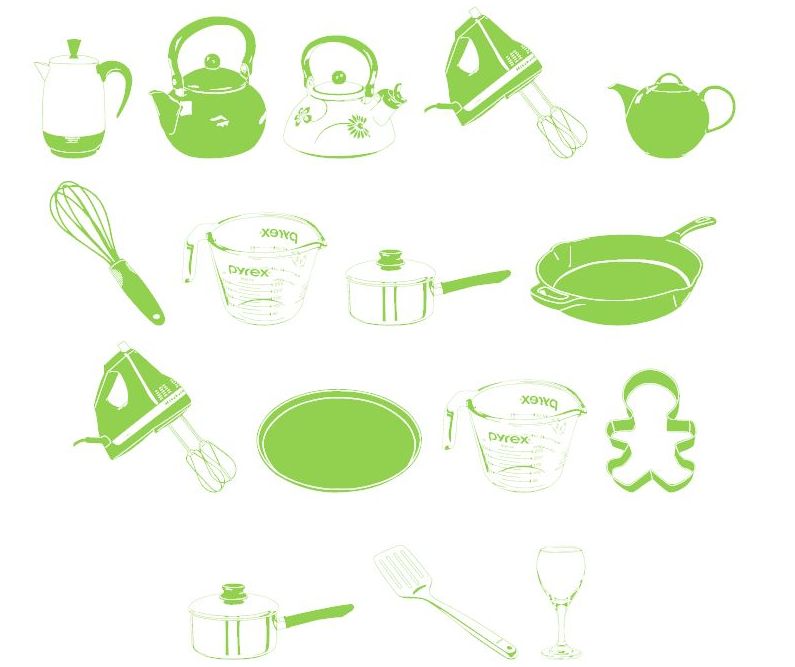
Add a cute embellishment to a typed recipe or create home made art for your kitchen with this kitcheny cool font DJ Kitchen Font from dafont.com!
Subscribe to:
Posts (Atom)